
In the previous tutorial we explained how to add annotations to a JavaScript Chart using SciChart.js. In this tutorial, we are going to show you how to add tooltips and legends.
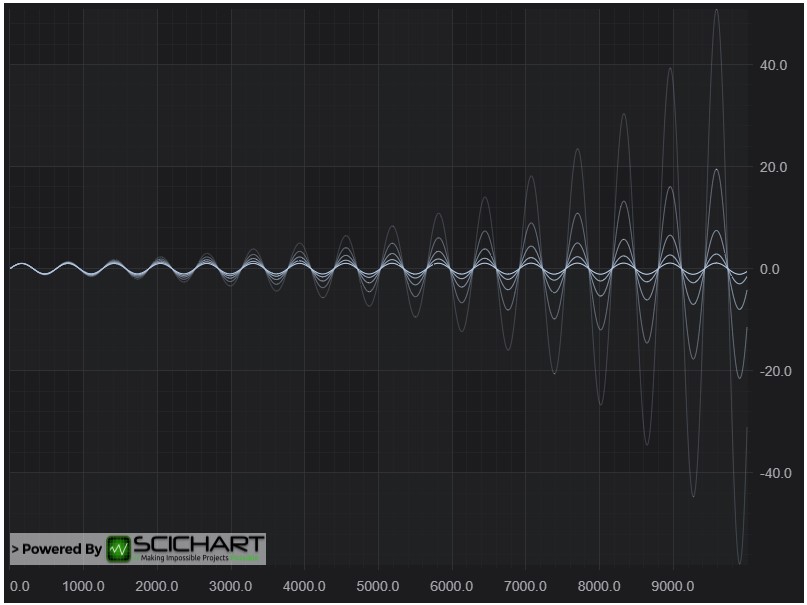
Lets create a simple chart with 5 dataseries each having 10k points.
So far we have created a new chart, added both X axis and Y axis and plotted 5 data series.
Add a Legend
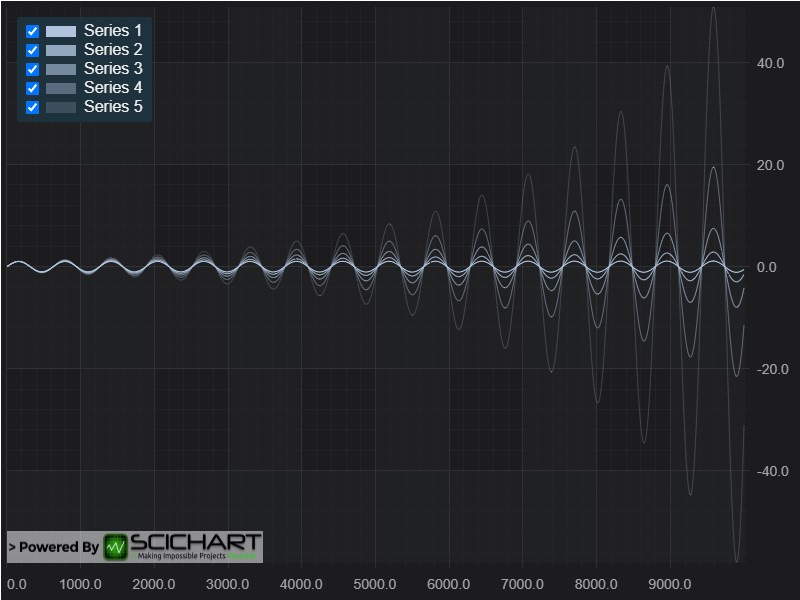
Now we will add a chart legend. In SciChart, a chart legend can be created and configured via the LegendModifier:
This gives us the Legend, which displays checkboxes to show/hide the series, series markers and series names.
Add a Cursor (Crosshair)
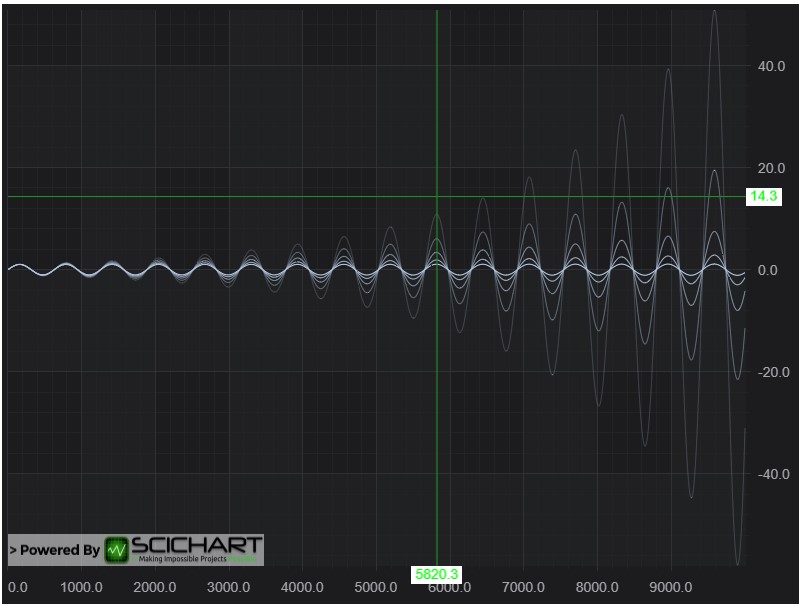
CursorModifier adds a crosshair onto a SciChartSurface. When you place the cursor over the SciChartSurface, it shows X and Y values of the current point in tooltips over the Axes.
It gives us the result:
Add a RolloverModifier Tooltip
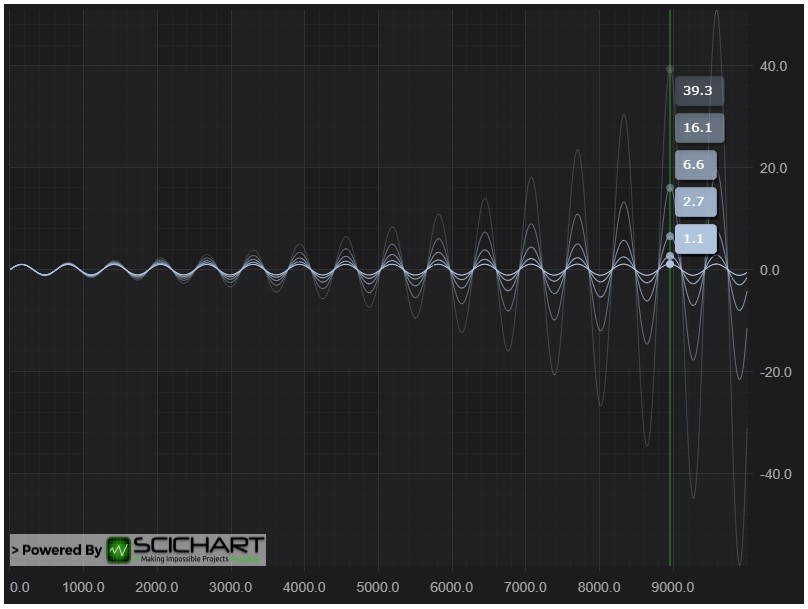
Tooltips may be added to the SciChartSurface using the RolloverModifier. This is a ChartModifierBase derived type which is attached to the SciChartSurface.chartModifiers property.
Remove the previous CursorModifier from the chart. Now add a RolloverModifier by add this code:
That gives us the chart with tooltips being displayed for each series:
Further Reading
To learn more about cursors and legends in SciChart please find links to the corresponding documentation articles below: